
€9.66
 PC
PC
Instant email delivery
Verified, working key
Secure card checkout
Rated 4.8/5 by gamers
PC
Action
Surgeon Simulator: Experience Reality EU PC Steam CD Key
€19.33
Your activation code is emailed to you within seconds of purchase — no waiting, no shipping.
PlatformPC
RegionEurope
PublisherBossa Studios
DeveloperBossa Studios
LanguagesDanish, Dutch, English, Finnish +9
DeliveryInstant email
AvailabilityIn stock
SKUPH-90142
About this game
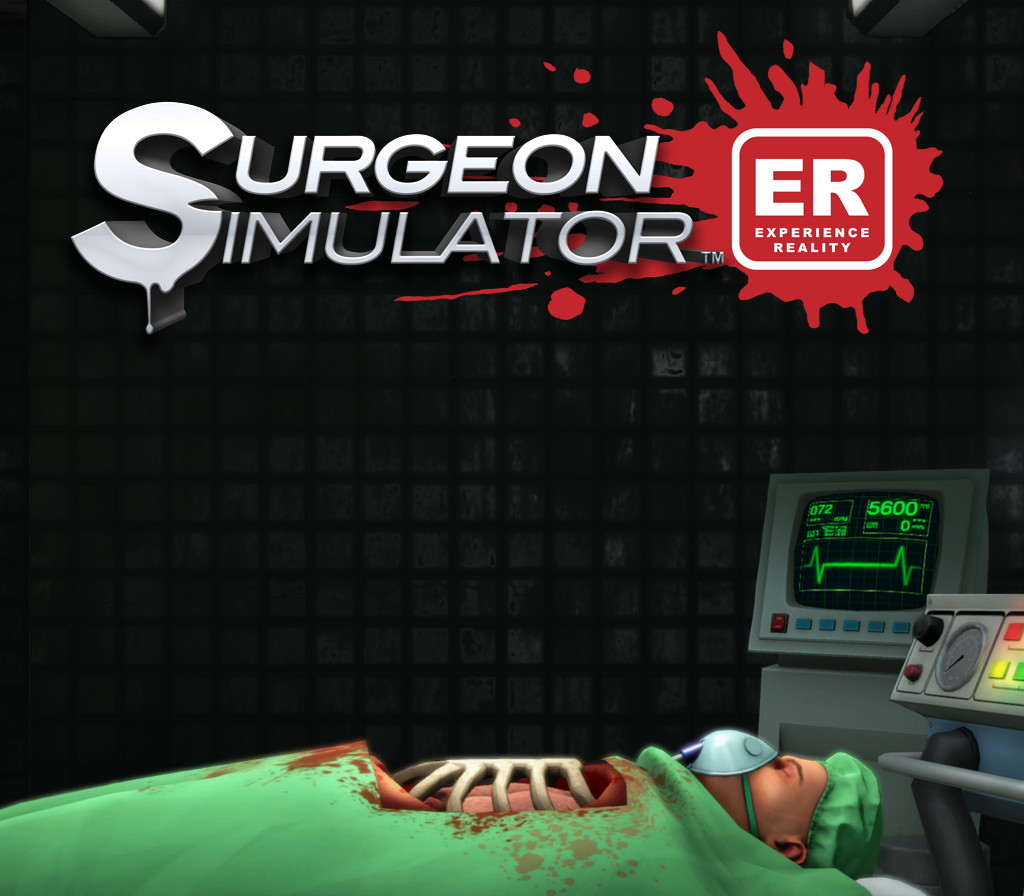
Surgeon Simulator is bringing the ER to VR! The most critically acclaimed and infamous surgery simulation game as you have never seen it before! Built for Vive and featuring all of the surgeries and twisted humour of the original favourite plus a few new surprises…Surgeon Simulator: Experience Reality transports you into some of the most unlikely and possibly unsanitary surgeries possible. Bob’s life is in your hands in this darkly humorous VR game, taking you closer to bloody surgery than you possibly ever wanted to go! From the operating theatre, to the back of an ambulance, to outer space, your patient’s welfare will be in your virtual hands.In addition to the original surgeries we’ve added exclusive new features for you to play with in VR. How about brain surgery in the dark? What about a hand-held camera to admire your surgical efforts from any angle? New achievements? It’s all in Surgeon Simulator: ER!Whatever you do, don’t press that button in space!
What you get
- One activation key for PC
- Instant delivery straight to your email inbox
- The full base game, ready to download
- A step-by-step activation guide (right here)
System requirements
Windows
Minimum: OS: 7, 8, 10 Processor: Intel i5-4590 equivalent or greater Memory: 8 GB RAM Graphics: NVIDIA GTX 970 / ATI Radeon 290 equivalent or greater Storage: 3 GB available space Sound Card: Yes Additional Notes: Try turning off some effects in the Advanced graphical settings to improve framerate
How to redeem
- Complete your purchase — your code is emailed to you within seconds.
- Open the official launcher or store for your platform and find "Redeem code".
- Enter the code exactly as shown in your email and confirm.
- Download, install and jump in.
Platform activation
Go to: http://store.steampowered.com/ and download STEAM client Click "Install Steam" (from the upper right corner) Install and start application, login with your Account name and Password (create one if you don't have). Please follow these instructions to activate a new retail purchase on Steam: Launch Steam and log into your Steam account. Click the Games Menu. Choose Activate a Product on Steam... Follow the onscreen instructions to complete the process. After successful code verification go to the "MY GAMES" tab…
Activation can vary by platform and region. Need a hand? Contact support.
More to play
Browse all →