
€4.93
 PC
PC
Instant email delivery
Verified, working key
Secure card checkout
Rated 4.8/5 by gamers
PC
Action
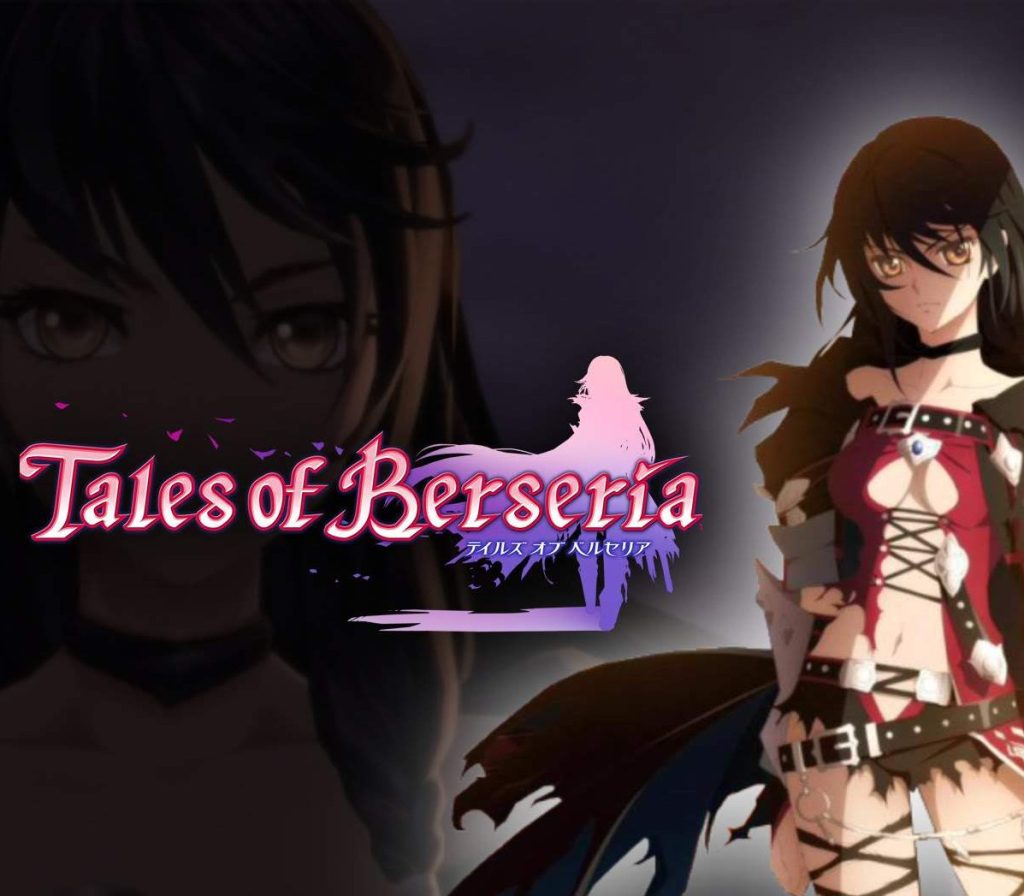
Tales of Berseria EU PC Steam CD Key
€31.90
Your activation code is emailed to you within seconds of purchase — no waiting, no shipping.
PlatformPC
RegionEurope
PublisherBandai Namco Entertainment
DeveloperBANDAI NAMCO Studios Inc.
LanguagesEnglish, French, German, Italian +2
DeliveryInstant email
AvailabilityIn stock
SKUPH-55169
About this game
A tale of emotion versus reason…In Tales of Berseria, players embark on a journey of self-discovery as they assume the role of Velvet, a young woman whose once kind demeanor has been replaced and overcome with a festering anger and hatred after a traumatic experience three years prior to the events within Tales of Berseria. Velvet will join a crew of pirates as they sail across the sea and visit the many islands that make up the sacred kingdom of Midgand in an all-new adventure developed by the celebrated team behind the Tales of series. Veteran Tales of character designer Mutsumi Inomata has personally designed Velvet and famous Japanese animation studio, ufotable, returns to animate the game’s breathtaking cutscenes; delivering truly epic and emotional storytelling in their unique style.
What you get
- One activation key for PC
- Instant delivery straight to your email inbox
- The full base game, ready to download
- A step-by-step activation guide (right here)
System requirements
Windows
OS: Windows 7, 8, 10 (64-bit) Processor: Intel Core 2 Duo E8400 3.0GHz or AMD Phenom II X2 550, 3.1GHz Memory: 2 GB RAM Graphics: GeForce 9800 GTX or AMD Radeon HD 4850 DirectX: Version 9.0c Storage: 15 GB available space Sound Card: DirectX 11 compatible
How to redeem
- Complete your purchase — your code is emailed to you within seconds.
- Open the official launcher or store for your platform and find "Redeem code".
- Enter the code exactly as shown in your email and confirm.
- Download, install and jump in.
Platform activation
Go to: http://store.steampowered.com/ and download STEAM client Click "Install Steam" (from the upper right corner) Install and start application, login with your Account name and Password (create one if you don't have). Please follow these instructions to activate a new retail purchase on Steam: Launch Steam and log into your Steam account. Click the Games Menu. Choose Activate a Product on Steam... Follow the onscreen instructions to complete the process. After successful code verification go to the "MY GAMES" tab…
Activation can vary by platform and region. Need a hand? Contact support.
More to play
Browse all →