€4.11
 PC
PC
Instant email delivery
Verified, working key
Secure card checkout
Rated 4.8/5 by gamers
PC
Simulation
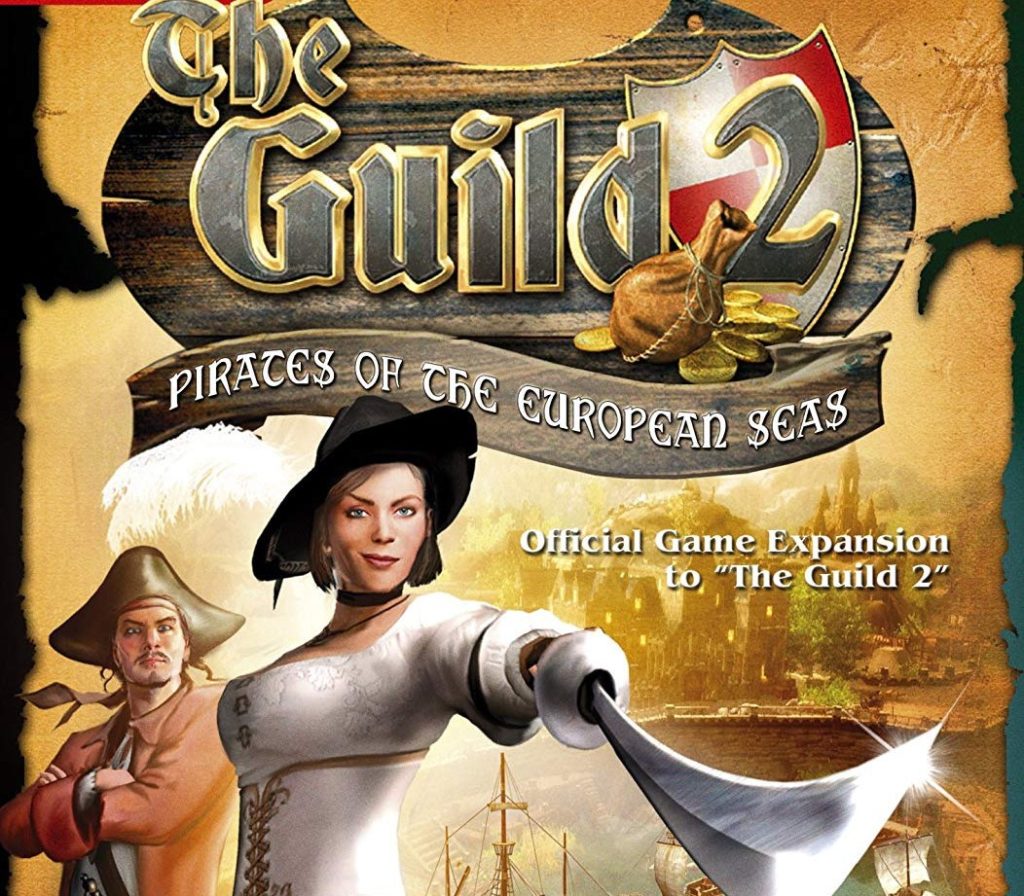
The Guild II - Pirates of the European Seas EU Steam CD Key
€0.73
Your activation code is emailed to you within seconds of purchase — no waiting, no shipping.
PlatformPC
RegionEurope
PublisherBethesda Softworks
DeveloperZenimax Online Studios
LanguagesEnglish, French, German, Italian +1
DeliveryInstant email
AvailabilityIn stock
SKUPH-81646
About this game
The first true life simulation series set in the fascinating medieval Europe! The Addon expands and transforms the game into an even greater experience by adding a huge area including the cities of “The Hanse” located at the shores of the European seas. Sea battles and naval trading are added to the gameplay, and a new campaign mode provides more than 10 hours of additional fun. Features Naval trading, sea battles 4 new maps, 5 different types of ships, each one can be equipped according to your needs Campaign mode including more than 10 hours of pure medieval fun New buildings (harbour, fishermans hut, pirate outpost), trading station as upgrade New professions: Pirate and Medicus! 3 new offices and titles of nobility with new privileges
What you get
- One activation key for PC
- Instant delivery straight to your email inbox
- The full base game, ready to download
- A step-by-step activation guide (right here)
System requirements
Windows
OS: Windows® XP, Vista Processor: 2 GHz CPU Memory: 512 MB RAM Graphics: DirectX9 capable graphics adapter with Pixelshader Model 1.1 DirectX®: DirectX9 Sound: DirectX9 capable
How to redeem
- Complete your purchase — your code is emailed to you within seconds.
- Open the official launcher or store for your platform and find "Redeem code".
- Enter the code exactly as shown in your email and confirm.
- Download, install and jump in.
Platform activation
Go to: http://store.steampowered.com/ and download STEAM client Click "Install Steam" (from the upper right corner) Install and start application, login with your Account name and Password (create one if you don't have). Please follow these instructions to activate a new retail purchase on Steam: Launch Steam and log into your Steam account. Click the Games Menu. Choose Activate a Product on Steam... Follow the onscreen instructions to complete the process. After successful code verification go to the "MY GAMES" tab…
Activation can vary by platform and region. Need a hand? Contact support.
More to play
Browse all →