€10.14
 PC
PC
Instant email delivery
Verified, working key
Secure card checkout
Rated 4.8/5 by gamers
PC
Action
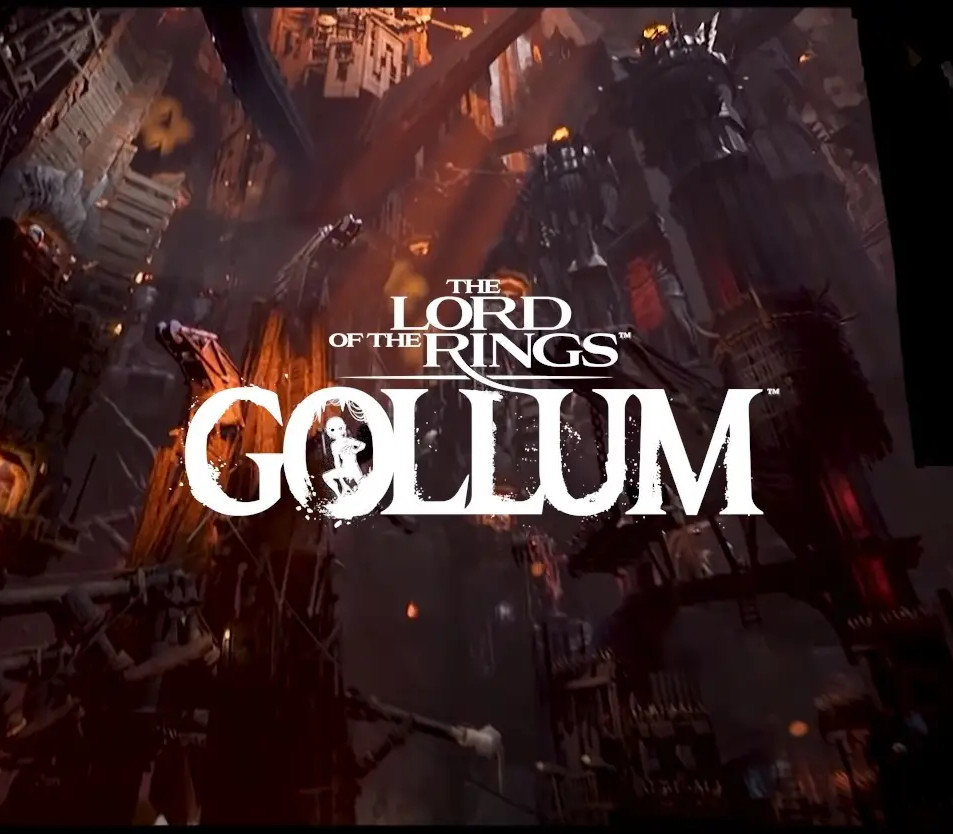
The Lord of the Rings: Gollum EU Steam CD Key
€5.72
Your activation code is emailed to you within seconds of purchase — no waiting, no shipping.
PlatformPC
RegionEurope
PublisherNacon
DeveloperDaedalic Entertainment
LanguagesChinese, English, French, German +8
DeliveryInstant email
AvailabilityIn stock
SKUPH-163099
About this game
Athletic and agile, sneaky and cunning. Driven by the desire to once again hold in his hands what he lost, Gollum is one of the most fascinating characters in the world of The Lord of the Rings. He has seen things that others can not imagine, he has survived things that others would not dare mention. Torn by his split personality, he can be vicious and villainous as Gollum, but social and cautious as Sméagol. While being vital to the story by J.R.R. Tolkien, many parts of Gollum’s quest have not been told in detail yet. In The Lord of the Rings: Gollum you get to experience this story. From his time as a slave below the Dark Tower to his stay with the Elves of Mirkwood.Use stealth, agility and cunning to survive and overcome what lies ahead. Climb, leap and grapple your way past dangers or into advantageous spots.While Gollum might not be a fighter, it is not unlike him to assassinate a careless enemy when the chance presents itself – or dispose of them in more creative and villainous ways.The decisions you make and the way you play have a direct influence on Gollum’s personality: Always struggling between the two sides embodied by Gollum and Sméagol, it is up to you to decide whether the darker side of Gollum takes over or if there is a spark of reason left in what once was Sméagol. One mind, two egos – you decide!
What you get
- One activation key for PC
- Instant delivery straight to your email inbox
- The full base game, ready to download
- A step-by-step activation guide (right here)
System requirements
Windows
Minimum: Requires a 64-bit processor and operating system OS: Windows 10/11 Processor: Intel i7-4770 AMD Ryzen 5 1600 Memory: 16 GB RAM Graphics: Nvidia RTX 3060 / AMD Radeon RX 5700 XT (8 GB) DirectX: Version 11 Storage: 45 GB available space Additional Notes: at Medium preset and 1080p, Ray Tracing off
How to redeem
- Complete your purchase — your code is emailed to you within seconds.
- Open the official launcher or store for your platform and find "Redeem code".
- Enter the code exactly as shown in your email and confirm.
- Download, install and jump in.
Platform activation
Go to: http://store.steampowered.com/ and download STEAM client Click "Install Steam" (from the upper right corner) Install and start application, login with your Account name and Password (create one if you don't have). Please follow these instructions to activate a new retail purchase on Steam: Launch Steam and log into your Steam account. Click the Games Menu. Choose Activate a Product on Steam... Follow the onscreen instructions to complete the process. After successful code verification go to the "LIBRARY" tab and…
Activation can vary by platform and region. Need a hand? Contact support.
More to play
Browse all →