€7.81
 PC
PC
Instant email delivery
Verified, working key
Secure card checkout
Rated 4.8/5 by gamers
PC
Indie
Through the Ages EU PC Steam Altergift
€18.76
Your activation code is emailed to you within seconds of purchase — no waiting, no shipping.
PlatformPC
RegionEurope
PublisherD3 Publisher
DeveloperTamsoft
LanguagesChinese, Czech, English, German +1
DeliveryInstant email
AvailabilityIn stock
SKUPH-71765
About this game
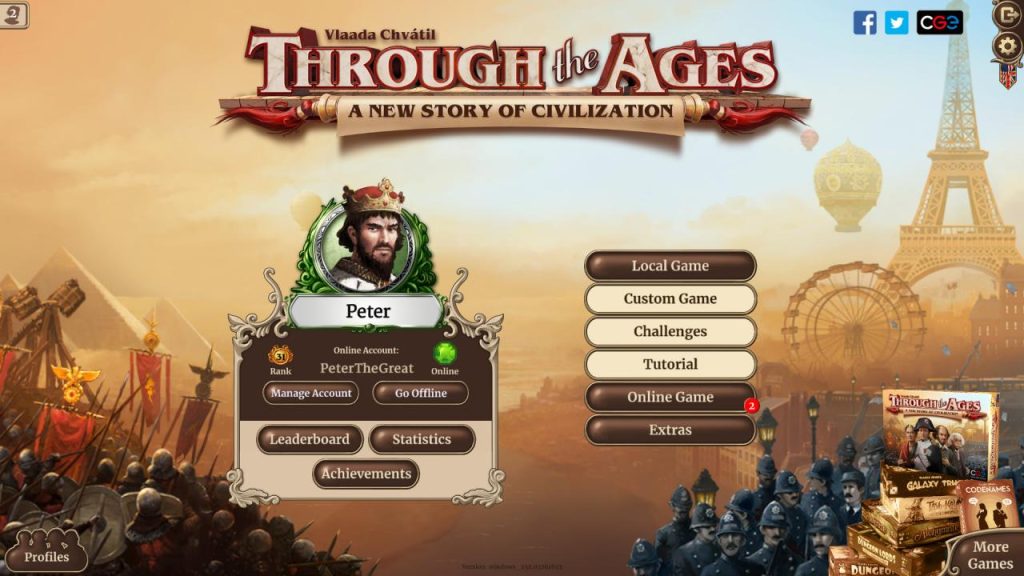
The official adaptation of Vlaada Chvátil’s strategy classic, the third best board game ever according to Board Game Geek website. “If you are looking for civ game, this is the game! This is one of the best games of all time.” – Tom Vasel from Dice Tower “Through the Ages is simply phenomenal.” – Drew Massey from GFB Robot This is your chance to make history: You begin with a small tribe. As you expand your farms and mines, you lay the groundwork for technological advancements, better governments, and grand wonders. Your military might supports your political skill as you guide your civilization to greatness. Features Learn the game rules with a funny and engaging tutorial. Compete with your friends online. Defeat clever computer opponents of various skill levels. Play with the original board game rules or a streamlined digital version. Enjoy single-player Challenges requiring different strategies.
What you get
- One activation key for PC
- Instant delivery straight to your email inbox
- The full base game, ready to download
- A step-by-step activation guide (right here)
System requirements
Windows
OS: Windows 7 Processor: 2 ghz processor single core Memory: 2 GB RAM Graphics: Intel HD Graphics 3000 Storage: 250 MB available space
Mac
OS: OS X version 10.8 or better Processor: Intel 1.6 GHz single core Memory: 2 GB RAM Storage: 250 MB available space
How to redeem
- Complete your purchase — your code is emailed to you within seconds.
- Open the official launcher or store for your platform and find "Redeem code".
- Enter the code exactly as shown in your email and confirm.
- Download, install and jump in.
Platform activation
In order to receive and activate the game: You will receive a gift link to a website. Open that link in your web browser. Depending on the prompt please provide your Steam profile link or login via Steam If needed choose the same country as your store country found in Steam account details. You can check this setting here. Automated bot system will add your Steam account to friendlist. After you accept the friend request from bot, it will send…
Activation can vary by platform and region. Need a hand? Contact support.
More to play
Browse all →