
€25.29
 PC
PC
Instant email delivery
Verified, working key
Secure card checkout
Rated 4.8/5 by gamers
PC
Adventure
Vartio EU PC Steam CD Key
€2.68
Your activation code is emailed to you within seconds of purchase — no waiting, no shipping.
PlatformPC
RegionEurope
Publisherindie.io
DeveloperPepperbox Studios
LanguagesEnglish
DeliveryInstant email
AvailabilityIn stock
SKUPH-374958
About this game
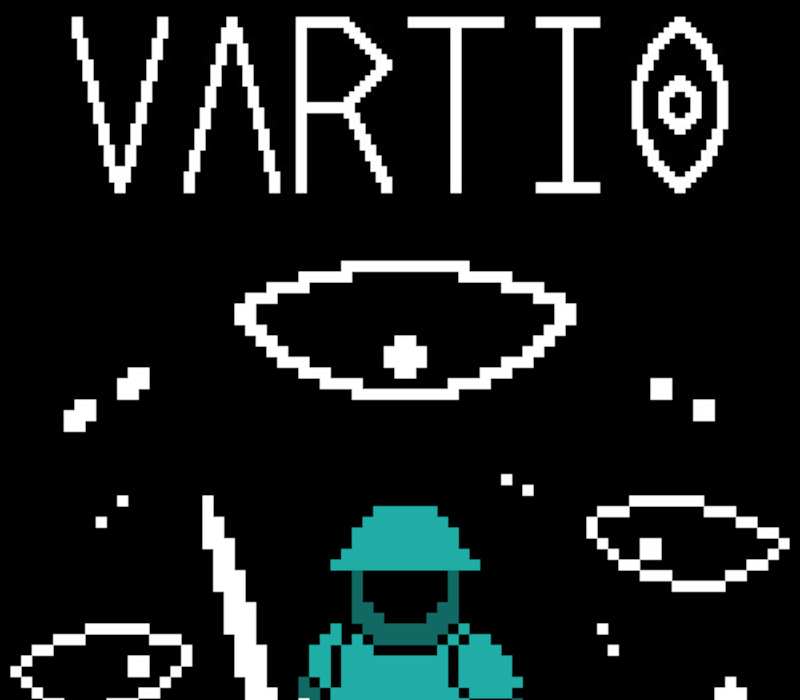
A short psychological horror experience from the creators of Kaamos. Vartio (Finnish for “Patrol”) drops you into the boots of a medieval guardsman assigned to a solitary night watch. Your duty: patrol the shadowy forests surrounding a remote watchtower and report back to your commander. But something is wrong out there. And it’s getting closer. Patrol the darknessStep out into the cold woods under cover of night. As a lone sentry on the empire’s edge, your torch is dim, and your instincts are all you can trust. Paranoia made realRely on your ears more than your eyes. Every rustle in the brush, every creak of a branch may spell danger. Are those footsteps? Or just the wind? Something is watchingThe deeper into the forest you go, the more uncertain reality becomes. Blood trails. Whispers. Was that a raider—or something worse? Features: A compact, focused psychological horror experience (~20 minutes). Immersive 3D pixel art with a dark retro aesthetic. Rich atmospheric sound design crafted to heighten tension. Standalone story set in the same unsettling world as Kaamos. You’re not the only one walking these woods tonight.
What you get
- One activation key for PC
- Instant delivery straight to your email inbox
- The full base game, ready to download
- A step-by-step activation guide (right here)
System requirements
Windows
Minimum: OS: Windows 10
How to redeem
- Complete your purchase — your code is emailed to you within seconds.
- Open the official launcher or store for your platform and find "Redeem code".
- Enter the code exactly as shown in your email and confirm.
- Download, install and jump in.
Platform activation
Go to: http://store.steampowered.com/ and download STEAM client Click "Install Steam" (from the upper right corner) Install and start application, login with your Account name and Password (create one if you don't have). Please follow these instructions to activate a new retail purchase on Steam: Launch Steam and log into your Steam account. Click the Games Menu. Choose Activate a Product on Steam... Follow the onscreen instructions to complete the process. After successful code verification go to the "LIBRARY" tab and…
Activation can vary by platform and region. Need a hand? Contact support.
More to play
Browse all →