
€27.69
 PlayStation 5
Instant email delivery
Verified, working key
Secure card checkout
Rated 4.8/5 by gamers
PlayStation 5
Action
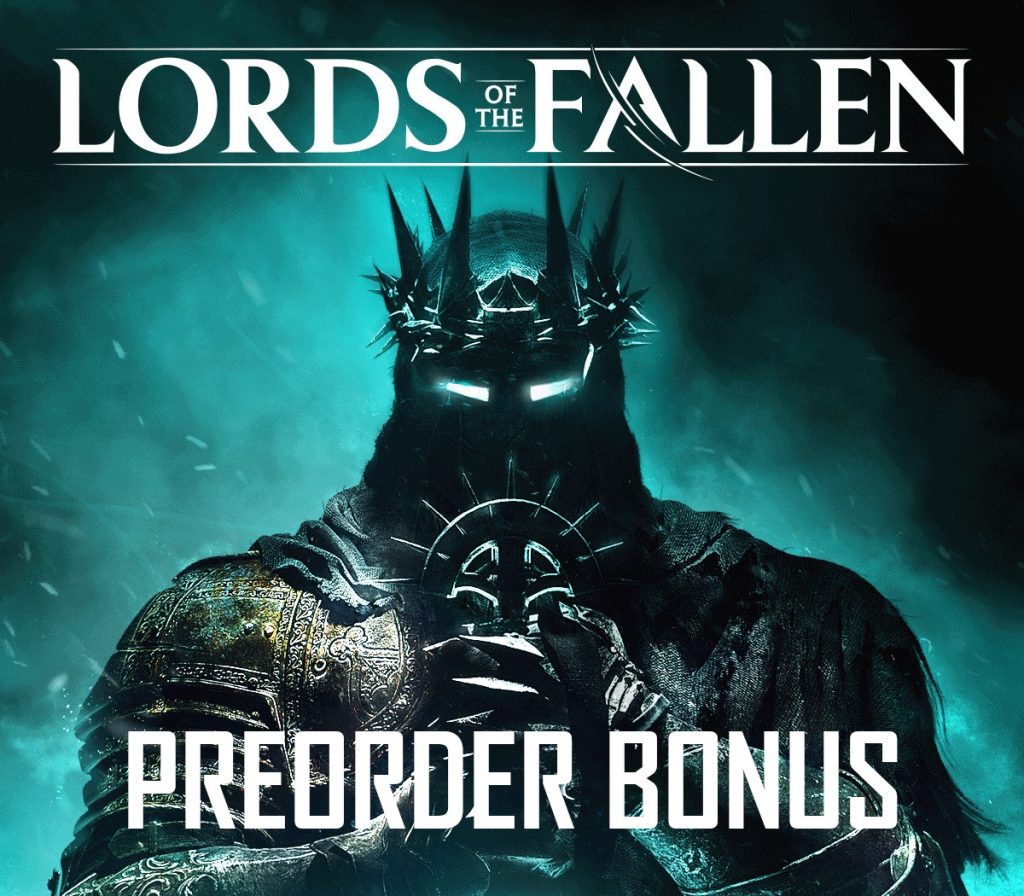
Lords of the Fallen (2023) - Pre-Order Bonus DLC EU PS5 CD Key
€6.64
Your activation code is emailed to you within seconds of purchase — no waiting, no shipping.
PlatformPlayStation 5
RegionEurope
PublisherCI Games
DeveloperHEXWORKS
LanguagesChinese, English, French, German +7
DeliveryInstant email
AvailabilityIn stock
SKUPH-190966
About this game
Includes: Exclusive Bronze, Silver and Gold Armour Tincts, used to re-colour any in-game wearable armour item 3 x XP items – used for boosting XP 5 x MP items – used for replenishing mana 5 x HP items – used for replenishing healt Lords of the Fallen introduces an all-new, epic RPG adventure in a vast, interconnected world more than five times larger than the original game. After an age of the cruellest tyranny, the demon God, Adyr, was finally defeated. But Gods… do not fall forever. Now, aeons later, Adyr’s resurrection draws nigh. As one of the fabled Dark Crusaders, journey through both the realms of the living and the dead in this expansive RPG experience, featuring colossal boss battles, fast challenging combat, thrilling character encounters, and deep, immersive storytelling. Will your legend be one of light… or one of darkness? Dare to Hope. Explore A Vast, Interconnected World Journey across two expansive, parallel worlds in your epic quest to overthrow Adyr. While the living realm presents its own brutal challenges, untold terrors lurk in the nightmarish realm of the dead. Define Your Own Legend Fully customise your character’s appearance from a wide array of visual options, before selecting one of nine character classes. Whichever starting path you take, develop your character to your own playstyle by upgrading stats, weapons, armour and spells.
What you get
- One activation key for PlayStation 5
- Instant delivery straight to your email inbox
- The full base game, ready to download
- A step-by-step activation guide (right here)
How to redeem
- Complete your purchase — your code is emailed to you within seconds.
- Open the official launcher or store for your platform and find "Redeem code".
- Enter the code exactly as shown in your email and confirm.
- Download, install and jump in.
Platform activation
Go to https://www.xbox.com Login to your account Hover over your account link (the top right of the screen) a menu will appear, click on the "Redeem Code" button. On the next page, click "Redeem" Enter your code Click "Confirm" Click "Confirm" again to assign the key to your account.
Activation can vary by platform and region. Need a hand? Contact support.
More to play
Browse all →